Skip to content
NogPets

Run your grooming business through Claude.

Ask about your day, block time off, change a price or book a client who phoned. Claude does it in NogPets, and it asks you before anything changes. Walkers and sitters can use it the same way.

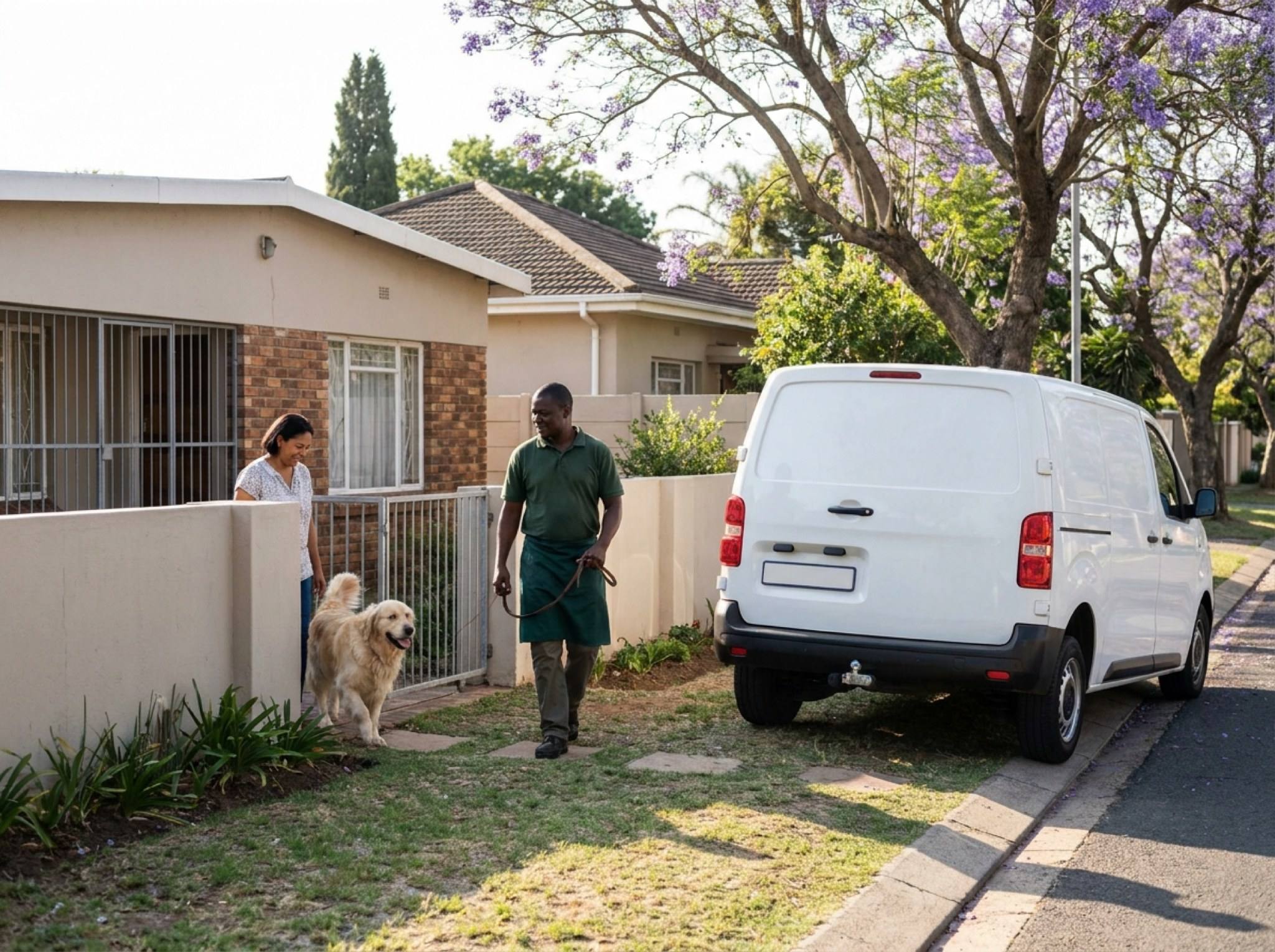
A NogPets grooming van parked at a client's front door
Claude
ChatGPT
Other assistants
NogPets
Your day
Bookings and prices
Payment links
Your assistant talks to NogPets; NogPets runs your day. Every change waits for your yes.

Things you can ask

These are examples. The names, times and prices are made up. Yours come from your own bookings.

"What's my day look like?"

Claude

Van 1 has four visits today.

08:30 Bella, Labrador, full groom. 12 Rhodes Street, Die Boord. Gate code is in the notes.

10:15 Max, Boston terrier, bath and nails. 8 Oak Avenue, Paradyskloof. About 3 km from Bella, 25 minutes between.

13:00 Lola and Coco, two small dogs, full grooms. The owner asked for short cuts.

15:30 Rex, German shepherd, de-shed. He doesn't like the dryer.

"Block Friday afternoon, the van's in for a service."

Claude

Van 1 has two bookings on Friday after 12:00: Lola at 13:00 and Max at 15:00.

I can block 12:00 to 17:00. Those two stay booked until you move them. Should I block it?

You: Yes.

Claude

Done. Friday 12:00 to 17:00 is blocked on Van 1. Do you want me to find new times for Lola and Max?

"Raise large-dog full grooms to R650 from next month."

Claude

Full groom, 25 kg and up: R580 now, R650 from 1 October. Bookings already made keep the price they were booked at. Should I set it?

You: Go ahead.

Claude

Set. From 1 October a large-dog full groom is R650.

"Tina called, book Max for his usual groom next Tuesday."

Claude

Max last had a full groom and nails for R520 on Van 1.

Next Tuesday Van 1 is free at 09:00, 11:30 or 14:00. Which time, and will Tina pay cash or by card?

You: 11:30, card.

Claude

Booked for Tuesday at 11:30 at 8 Oak Avenue. Here is the Payfast link for R530 to send Tina. She pays it herself.

"Who hasn't paid this week?"

Claude

Three bookings are still open.

Sipho, card, R450, for Monday's groom.

Anna, cash, R380. Her groom is on Thursday.

Mark, card, R610. His payment didn't go through on Wednesday.

Should I send Sipho and Mark the link again?

What it can do

  • Your day and your week

    Bookings for today and the week, what you'll earn, who is next, and each van's or walker's visits in order with addresses, pets, notes and the gaps between stops.

  • Hours, time off and prices

    Set your working hours, block a morning or a whole week, pause a van, and change a price now or from a date. It shows you the change first.

  • Clients

    Find a client by name, phone or email, see their pets, addresses and past visits, add a note, and book their usual service again.

  • Money

    What you earned in a week or a month, card fees and what's left, payouts, and who still owes you. It can send a client their Payfast link. It never takes a payment itself.

  • Bookings that come by phone

    Book a client who phoned or walked up, for cash or with a card link. Move or cancel a booking, and the client hears about it the same way they do from the app.

  • Your team

    Groomers and walkers can connect too. They only see their own day. Owners and managers make the changes.

You stay in charge

  • It asks before it changes anything that matters. You see the summary and say yes.
  • It never moves money. A card payment is a Payfast link the client opens.
  • Time off never cancels a booking. It tells you which bookings are in the way.
  • Every change is saved with the name of the assistant that made it.
  • It only sees your own business. You can disconnect it in the NogPets app any time: Profile, then Connected assistants.

Works from anywhere

You can sign up from any country, in your own currency and time zone.

Your day, clients, hours, time off, prices and earnings work wherever you are.

Making, moving and cancelling bookings, and card links, work for South African businesses for now. Anywhere else the assistant tells you it can't book there yet.

See everything in the NogPets app

What Claude does for you shows up in the app, under Activity. Each change says what it was before and after, when it happened, and who asked for it. A new price shows the old one next to it. A moved booking shows both times.

  • Your day and this week's bookings are in the app too, for each van or walker.
  • Tap a change to open it. If it isn't right, fix it by hand in the app.
  • Turn on Only assistant changes to see just what Claude did.
  • Disconnect Claude any time in the app: Profile, then Connected assistants.

The app is coming to the App Store and Google Play. Ask us for early access on WhatsApp or by email.

The Activity screen in the NogPets app. Claude changed two prices, moved a booking and added time off for Van 1. A client made a new booking.
The real screen, with sample data from a test business.

How to join

  1. 1

    Connect NogPets to Claude

    Add the NogPets connector (the steps are below) and sign in with your NogPets account.

  2. 2

    Ask Claude to register your business

    Say "Register my grooming business with NogPets." It asks for your services and prices, where you work, your vans and your hours, and shows you a summary before it sends anything.

  3. 3

    We check it

    A person at NogPets reads every application and emails you. Once it's approved, you run the business from the same chat.

Connect Claude

This works in claude.ai, the desktop app and the phone app, on any plan. A free plan can add one connector.

https://mcp.nogpets.com/mcp
  1. Open Claude and go to Customize, then Connectors.
  2. Press +, then Add custom connector.
  3. Name it NogPets and paste the address above. Leave the advanced settings empty.
  4. Press Add, then Connect. Sign in to NogPets and press Allow.
  5. In a chat, press + and turn on NogPets under Connectors.
Open Connectors in Claude

ChatGPT and other apps

ChatGPT (Plus, Pro, Business, Enterprise or Education, on the web)

  1. Settings, then Security and login: turn on Developer mode.
  2. Go to chatgpt.com/plugins and press +. Name: NogPets. URL: the address above. Authentication: OAuth.
  3. Press Create, sign in to NogPets and press Allow.
chatgpt.com/plugins

Claude Code

claude mcp add --transport http nogpets https://mcp.nogpets.com/mcp

Gemini CLI

gemini mcp add --transport http nogpets https://mcp.nogpets.com/mcp

Cursor, VS Code and other apps

What it costs

We don't have a price list for businesses yet. Email us about your business and we'll talk it through.

hello@nogpets.com
Do I need a new app?

No. You use Claude, ChatGPT or another assistant you already have. Your clients can still book you the way they do now.

Can it take money from my clients?

No. For a card payment it sends the client a Payfast link, and the client pays. Cash is marked when you get it.

What if it gets something wrong?

It shows you what it's about to change and waits for your yes. Every change is saved with the assistant's name, so you can see what happened.

Where can I see what Claude changed?

In the NogPets app, under Profile, then Activity. Each change shows what it was before and after, when it happened, and who asked for it. You can tap a change to open it and fix it by hand. The app is coming to the App Store and Google Play; email hello@nogpets.com for early access.

Can my groomers use it?

Yes. Each groomer signs in with their own NogPets account and sees only their own day. Changes stay with the owner and managers.

My business isn't in South Africa. Does it work?

You can sign up and run your day, clients, hours, prices and earnings in your own currency and time zone. Booking through NogPets works in South Africa for now. The assistant says so when you ask.